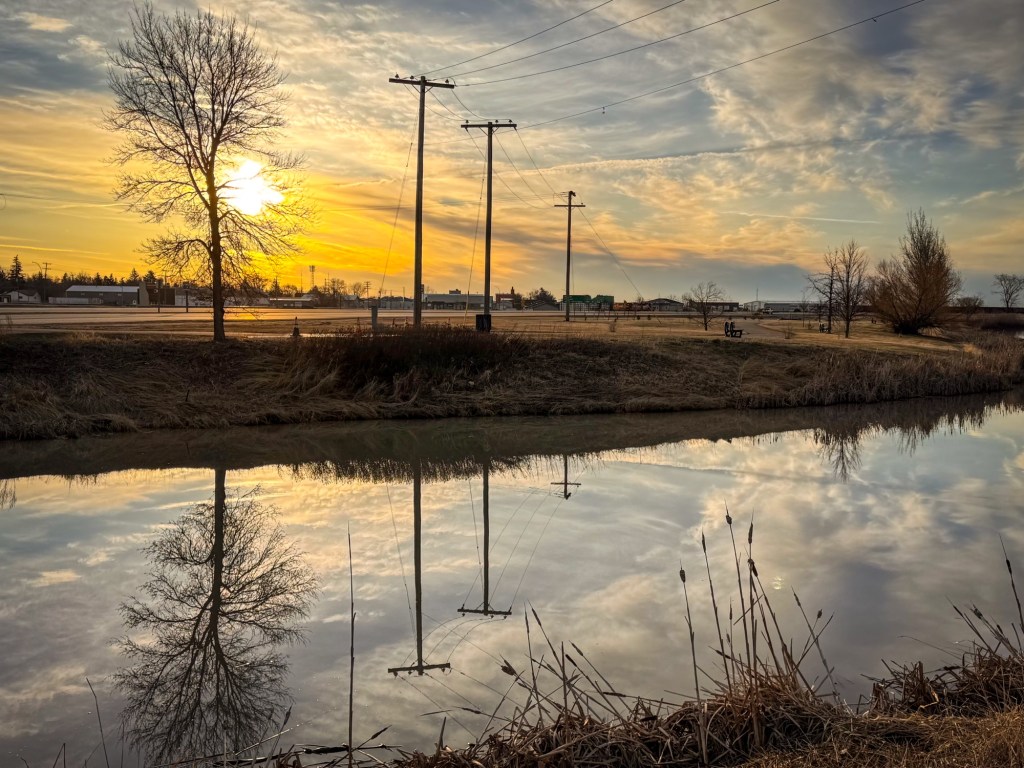
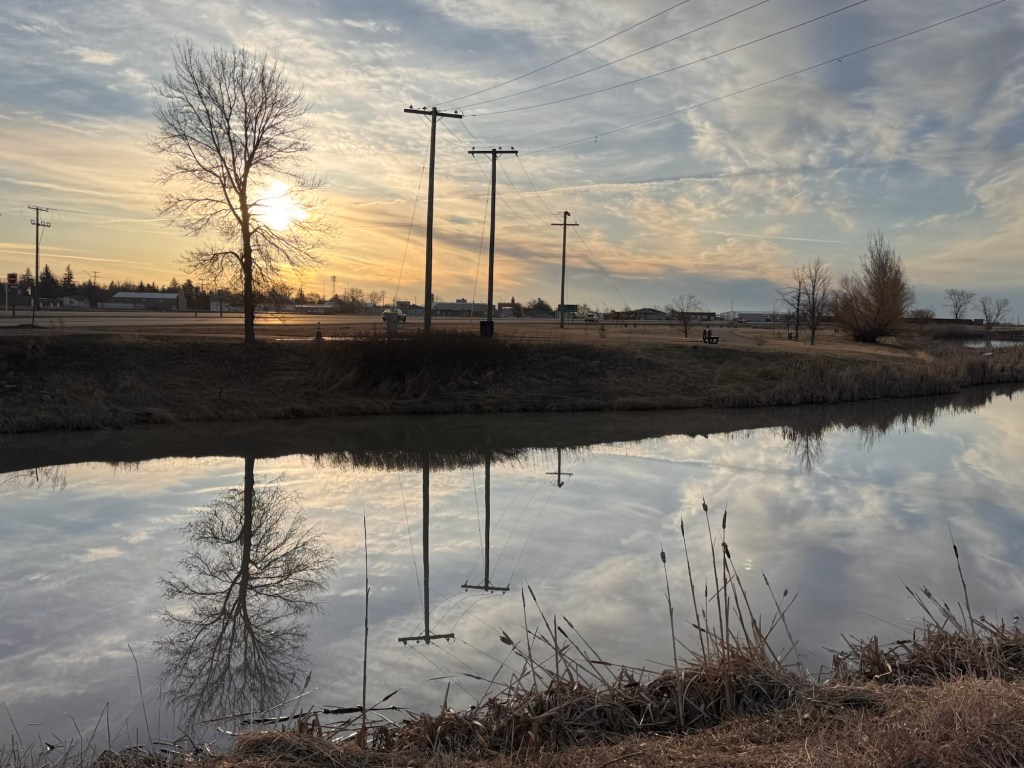
On yesterday morning’s power walk, there wasn’t a breath of wind, which resulted in stunning mirror reflections on the river.
Because I didn’t want to slow my pace, I didn’t take the time to adjust the exposure on my iPhone camera before I took the shot.
The result was a slightly more washed out photo than what I had hoped for.
Our province’s motto is “Land of Living Skies”, so my goal in many of the landscape images I capture here at home is to honour that motto.
In addition to not taking the time to adjust the exposure, I didn’t wait until there were no vehicles passing by. I don’t mind vehicles in a landscape photo that showcases reflections on water, but only if the vehicles themselves are also in the reflection.
A bit of post processing brought the photo to how I envisioned the scene. I first removed the cars using the eraser in my phone’s native photos app. I then took the photo into the Lightroom mobile app for minor adjustments to exposure and colours. I added a wee bit of vignette at the end to draw more light to the main subject. Within less than five minutes of simple editing, I was able to achieve what was in my mind’s eye for this scene from yesterday morning (feature photo).
In some instances, I edit out telephone and power lines. This time, the lines were also a detail in the perfect reflection so I left them in.
It’s been some time since I’ve posted about the smart phone photography classes I’m continually taking.
In a most recent class about photo editing in Lightroom, information was given about how to isolate one colour in a photo and correct/enhance it without disturbing the other colours.
In my feature photo, the one on the left is the original, so I chose to work only on the blue water and sky, while leaving everything else as shot.